Learn to read music, one dot at a time
Music is written on five lines and four spaces
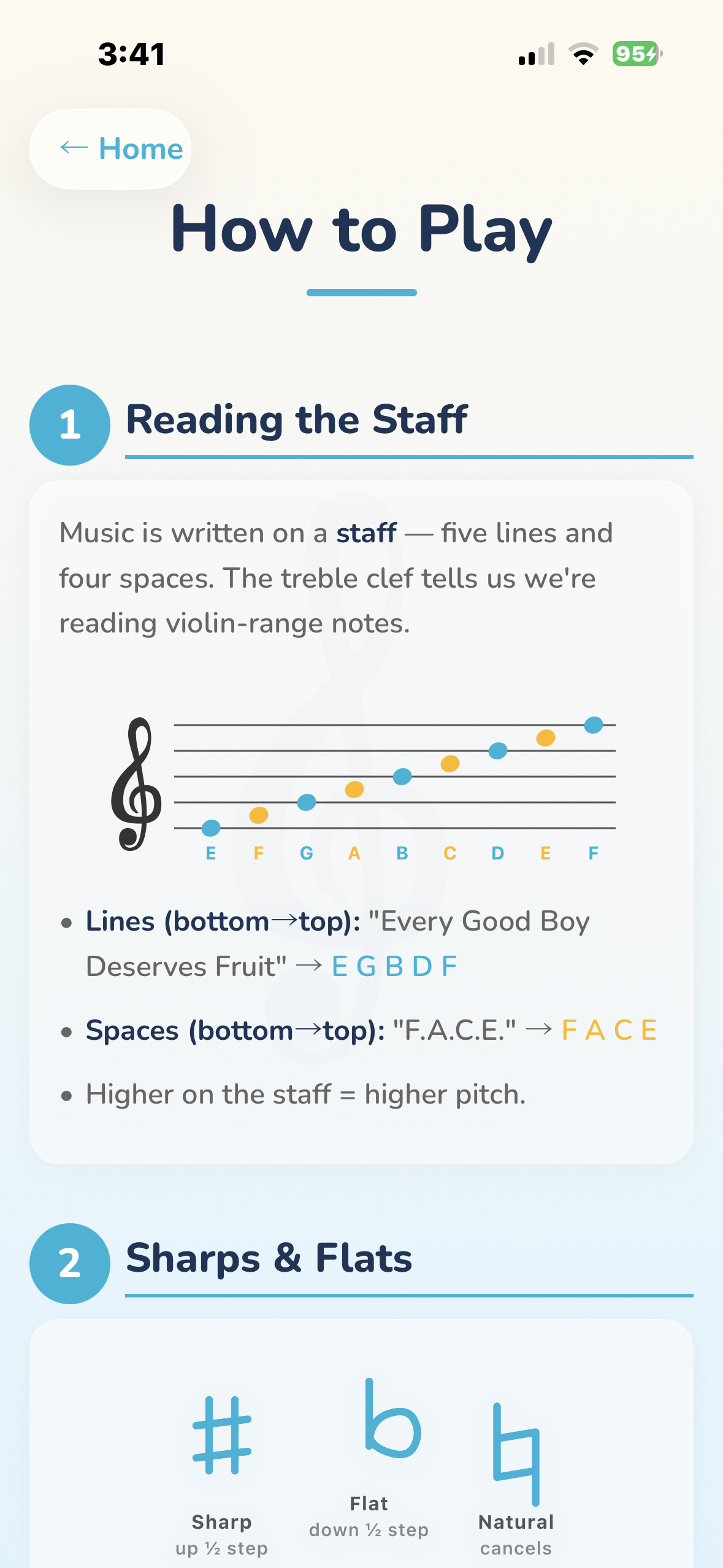
Music is written on a staff — five horizontal lines with four spaces between them. The treble clef at the start tells us we're in the violin range.
Each line and space represents a different note. Higher on the staff means higher pitch.
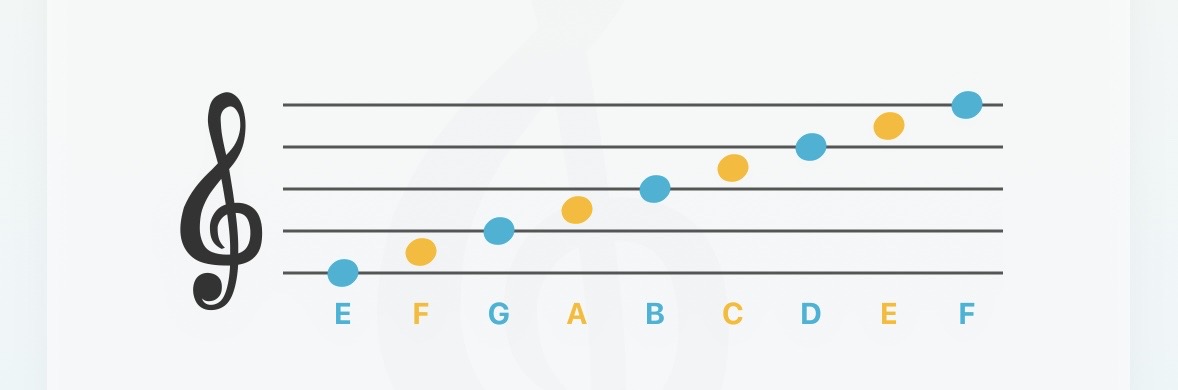
Lines (bottom to top): "Every Good Boy Deserves Fruit" — E G B D F
Spaces (bottom to top): "F.A.C.E." — F A C E
When notes go above or below the staff, short ledger lines extend it — like extra rungs on a ladder.
Four strings, colored tapes, and finger positions — just like a real violin
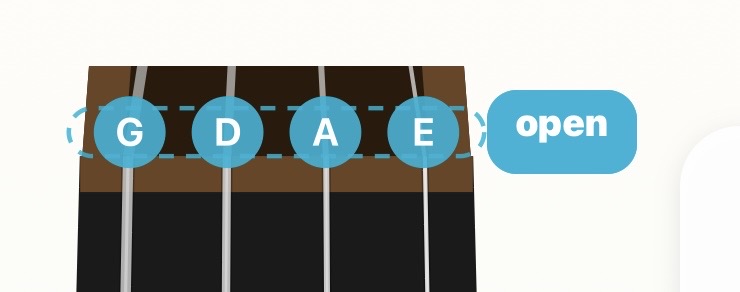
The violin has four strings, from lowest to highest — G, D, A, and E:
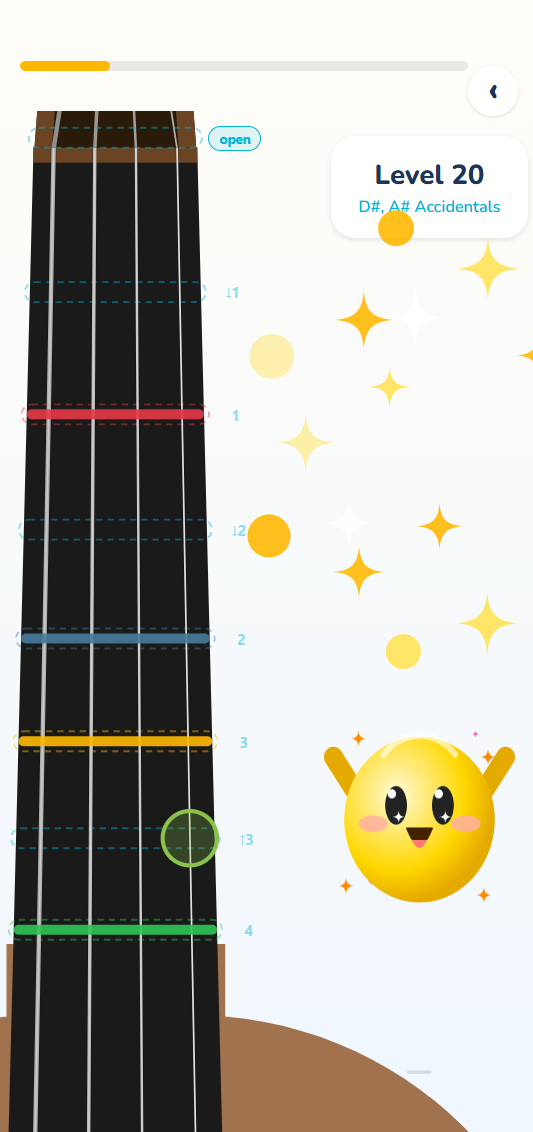
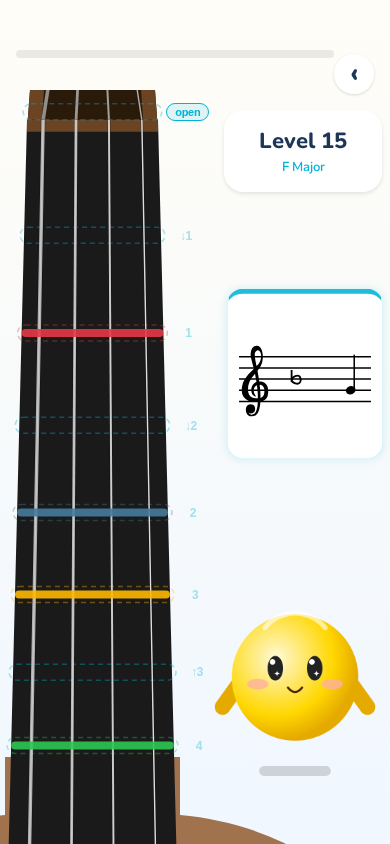
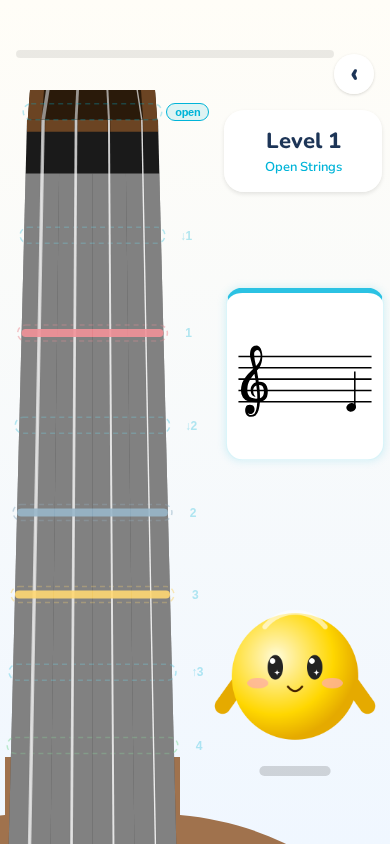
Violin teachers put colored tape on the fingerboard to mark where fingers go. violin dots uses the same system:
The fingerboard reveals itself as your child progresses
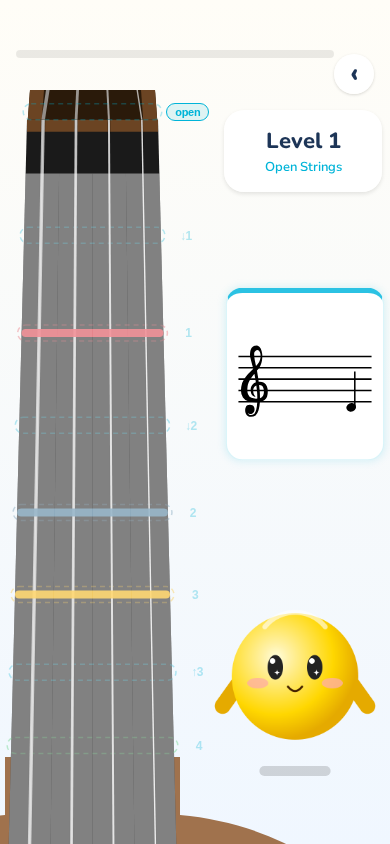
In early levels, parts of the fingerboard are shaded grey. This isn't a bug — it's a feature!
Shading focuses your child's practice on just the strings and positions they're learning right now.
As they progress through levels, more of the fingerboard opens up — new strings, new positions, new notes to discover.
Why this works
Children learn best when they can focus on a small set of new information at a time. The shaded areas remove distractions and build confidence before adding complexity.
Four steps to violin confidence

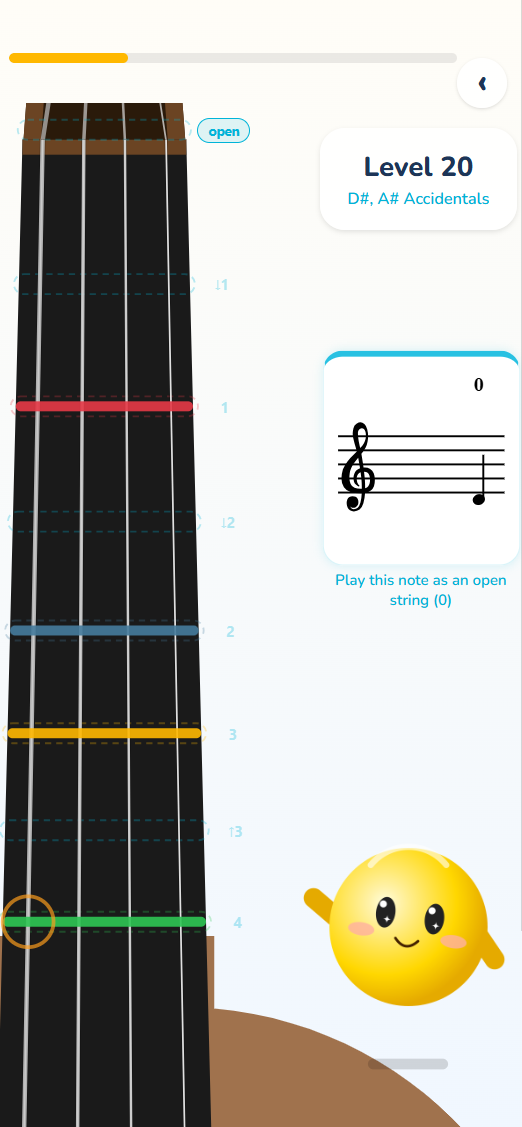
A note appears on the staff. Your job is to find it on the fingerboard.

Find the right string and position. The dot turns green when you're correct.

Got it wrong? Dotty shows a hint — the correct position lights up so you can try again.

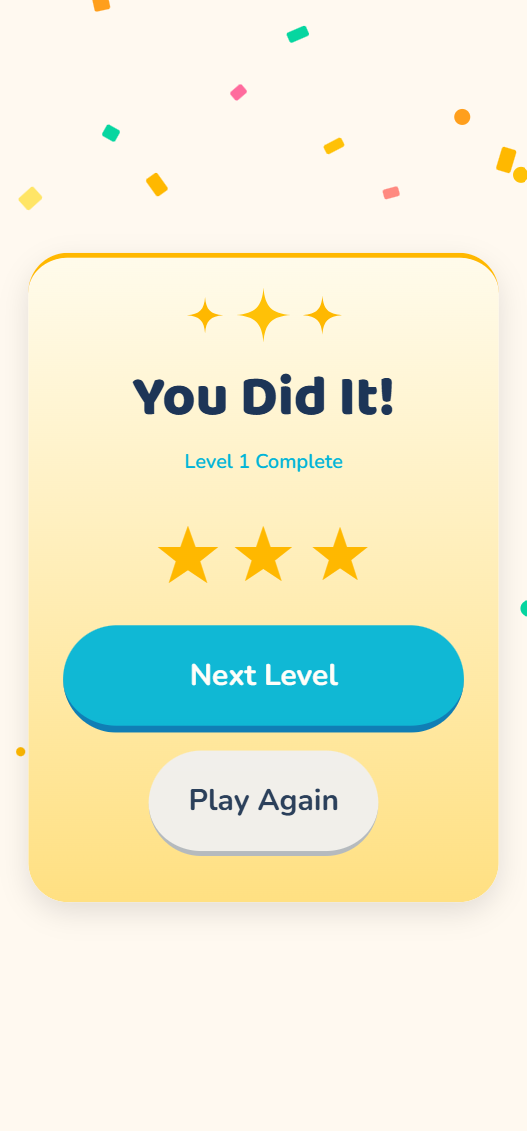
Score up to 3 stars per level. Fewer mistakes means more stars. Unlock the next level to keep going!
Open practice without scoring — explore at your own pace
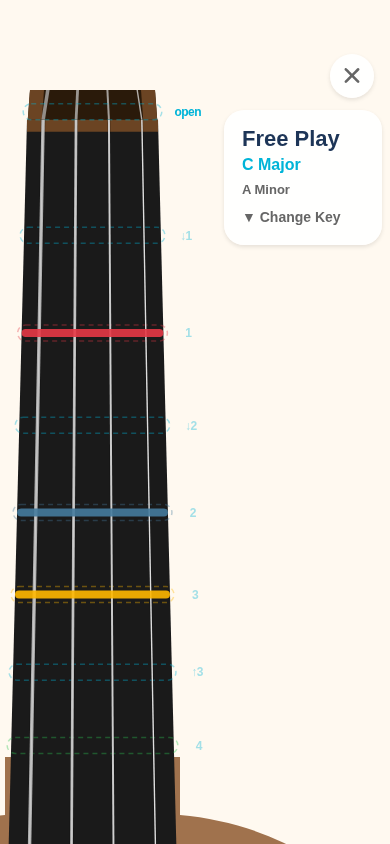
Free Play mode lets your child practice without the pressure of levels or scoring.
Choose any key signature and explore the full fingerboard. It's perfect for: